Content Fragment Preview Page
Article Teaser:

Article Intro:
Article Intro: Headline
Article credits
Basic Teaser:
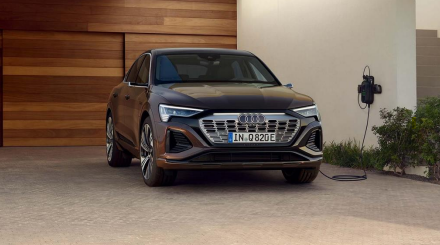
Basic Teaser with Media Type - Video
Content Tiles 1x2
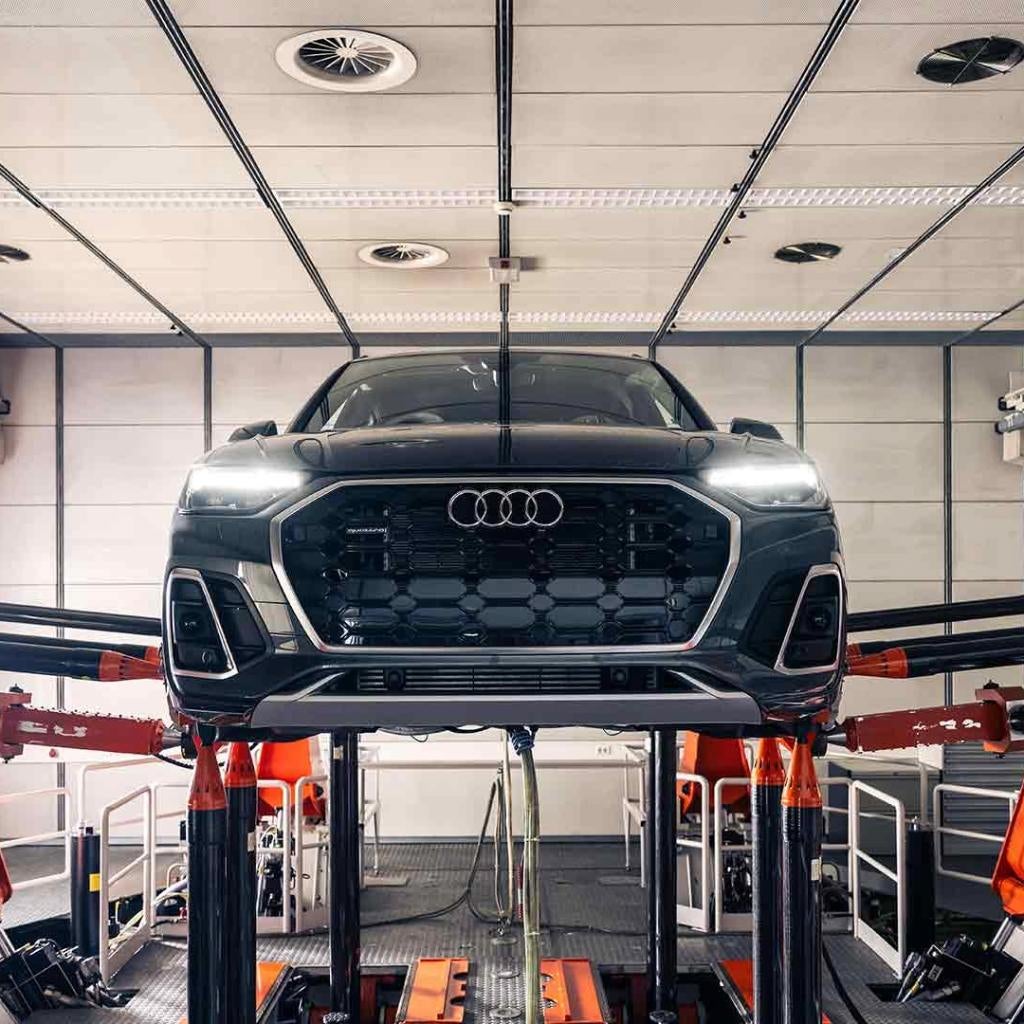
Content Tiles 2x1
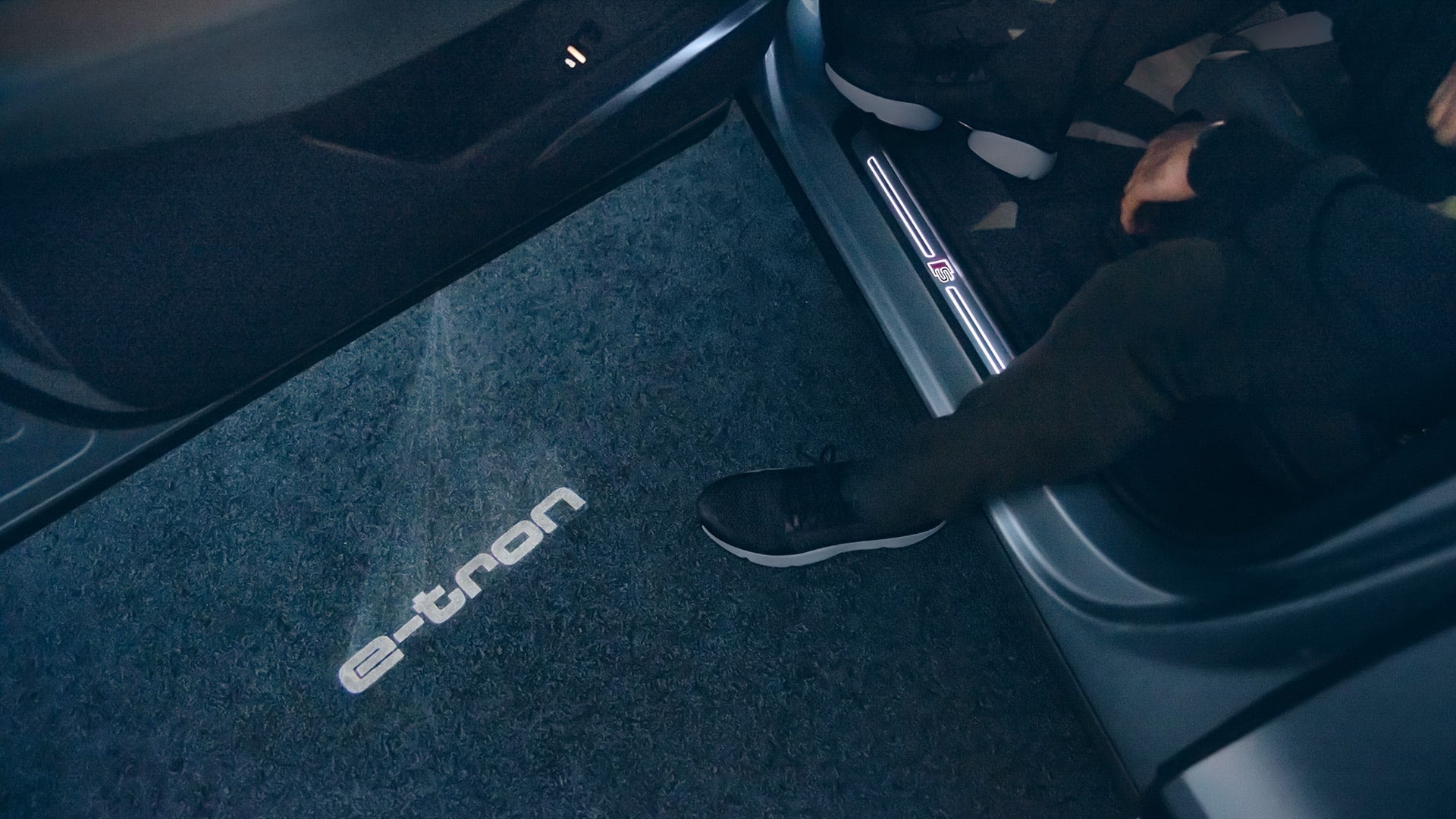
Content Tiles 3x1:
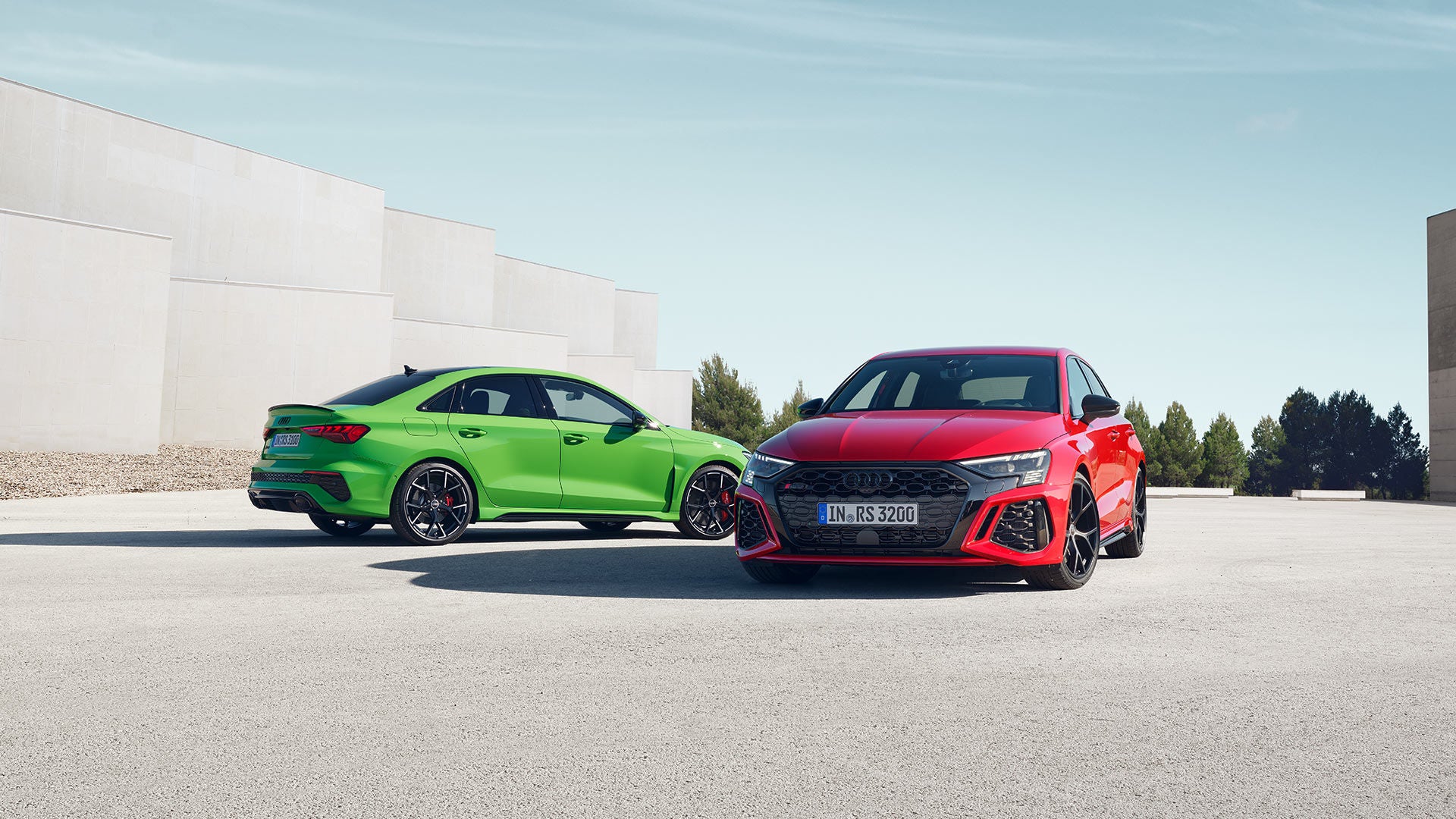

Editorial Accordion
Editorial Accordion Headline (h2)
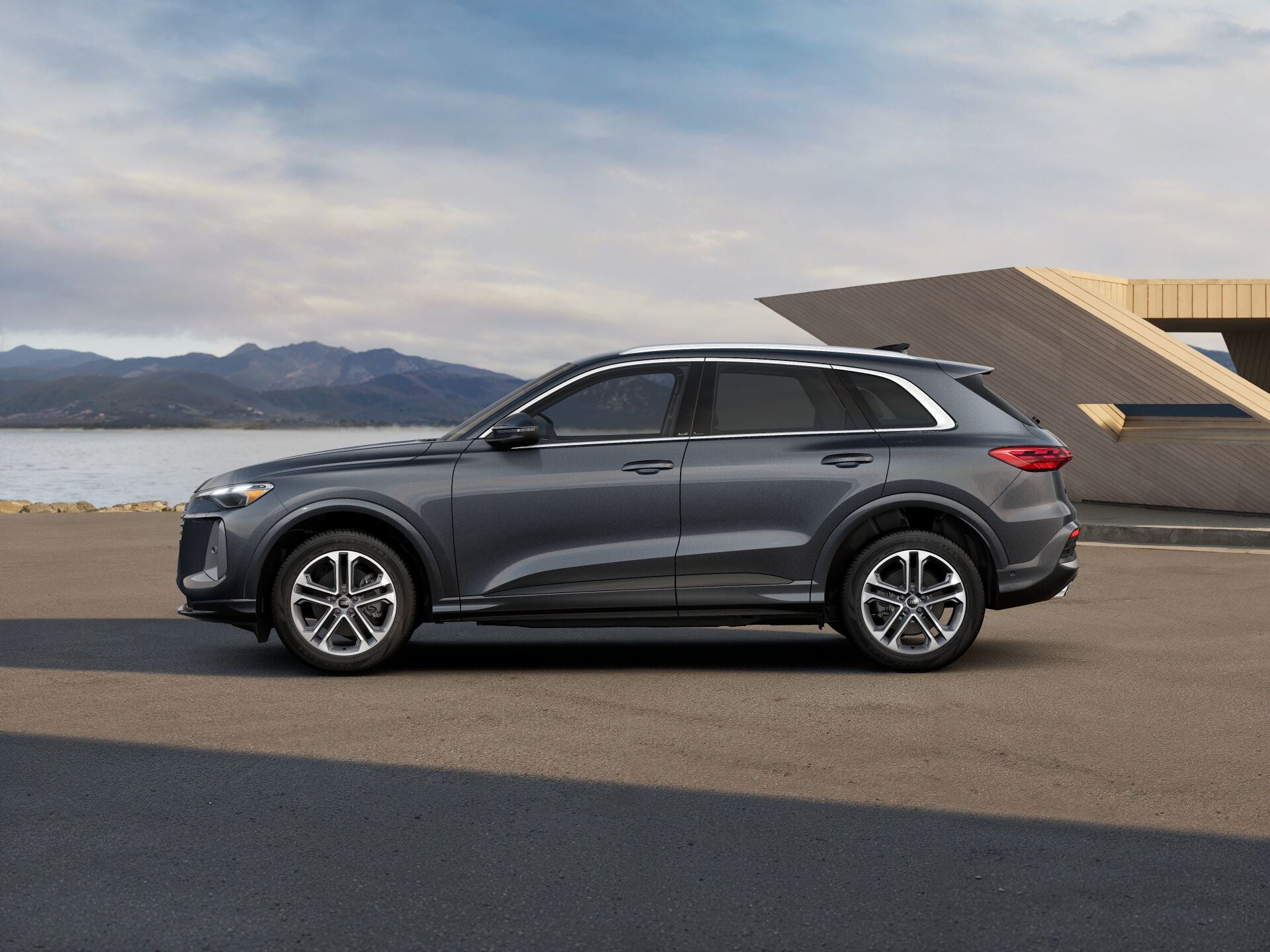
Editorial Columns
Editorial Columns (with text Items)
Copy text for Editorial Columns: Components - Component Text Item. Editorial Columns: Components - Component Text Item. Editorial Columns: Components - Component Text Item. Editorial Columns: Components - Component Text Item. Editorial Columns: Components - Component Text Item.
Editorial Columns: Components - Component Text Item. Editorial Columns: Components - Component Text Item. Editorial Columns: Components - Component Text Item.
The copy goes here!
This is h3 copy.
Editorial Table:
Editorial table content
Editorial Teaser - 1 component:

Editorial Teaser - 2 components:
Editorial Teaser - 3 components:

Editorial Text:
Editorial text can also be used for text Pencil Banners. You can also add emoticons such as: ★ / ✓ / ⚡︎

Foldout:
FAQs
Editorial text for foldout. Foldout text would go here. This could probably be good for fine print or disclaimer content that you'd like to hide.
Header:
iFrames:
iFrames are available to be used on oADD, and can be found listed as "iFrame" under "Create Content Fragments". However, must be approved by Audi. Please provide your iframe information to your Performance Manager for resolution.
Inpage Navigation:
Minimalist Typographic Teaser:
Headline for Typographic Teaser
Subheadline content goes here. Subheadline OR copy, not both.
Modular Editorial:

Top module legal text
Partner Contacts:
Partner Contacts Headline
Partner Contacts Copy Text
Product Highlights:

Secondary Link Cards:
Stage (image):
Headline
Subline

Stage (Video):
Headline Goes Here
Subheadline goes here
Headline Goes Here
Subheadline goes here
fa-carousel:
fa-carousel Title - up to 12 slides per Carousel

fa-pencil-banner:

